So you are still among those who stress themselves just because you want to check your account balance. As long as you be First City Monument Bank (FCMB) customer, it’s simpler to see your money. Even on your phone, or at an ATM, or online, you can quickly find out how much you have left in your bank account.
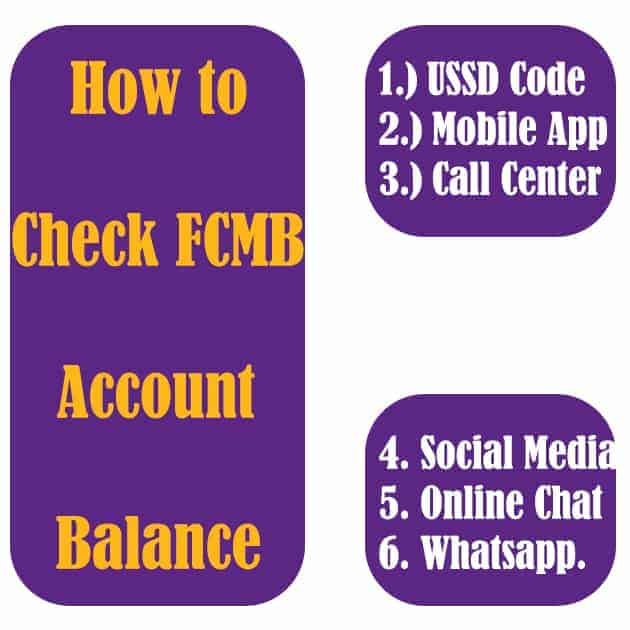
How to Check FCMB Account Balance: Code, SMS & Phone
Let me quickly show you. It’s easy.
You have a few options, depending on what works best for you. Here’s how to do it.
FCMB Mobile App
The FCMB Mobile App works on both Android and iOS. You can manage personal and business accounts straight from your phone.
Steps to Check Balance:
Download the App
Go to Google Play Store or Apple App Store and install the FCMB Mobile App.
Log In or Sign Up
Open the app and enter your account details. If it’s your first time, tap “Sign Up,” enter your account number, and confirm with the OTP sent to your phone.
See Your Balance
Once logged in, go to the “Accounts” section. Your balance will be shown there.
USSD Code Method
No internet? No problem. You can check your balance using FCMB’s USSD code.
Steps:
- Dial 329 from the phone number linked to your account.
- Follow the menu prompts until you get to the balance inquiry.
- Your balance will show on the screen.
ATM Balance Inquiry
You can also check your balance at any FCMB ATM.
Steps:
- Insert your ATM card.
- Enter your PIN and press “Proceed.”
- Select “Inquiry” and choose your account type.
- Your balance will show immediately.
Internet Banking
Internet Banking lets you check your balance from a computer, tablet, or phone with internet access.
Steps:
- Go to the FCMB Internet Banking website.
- Log in with your username and password. New users can click “Register Now.”
- Go to the “Accounts” section to see your balance.
Quick-Recharge via USSD
FCMB Quick-Recharge also lets you check your balance quickly.
Steps:
- Dial 329 on your phone.
- Select the balance inquiry option.
- Your balance will appear instantly.
Contact FCMB Customer Service
If none of the above methods work or you need help, FCMB customer service is available to assist.
Contact Options:
- Phone: 01-2798800 or 0700-FCMBMYBANK (0700-3262-692256)
- Email: customerservice@fcmb.com
- Website: Visit the FCMB Contact Us page